Build the Tool, Not Just the Answer
AI can act as your software programmer, helping you build bespoke tools that fit your exact workflow and scale your impact beyond one-off answers.
A common way to start with AI is using it like a very smart search box.
You ask a question, get an answer, paste it somewhere, and move on.
That works, and for many situations it is enough. The next step, and where leverage really starts to grow, is just one move beyond that pattern.
Instead of asking AI to solve a problem once, ask AI to build a tool that solves that problem every time.
That is the shift.
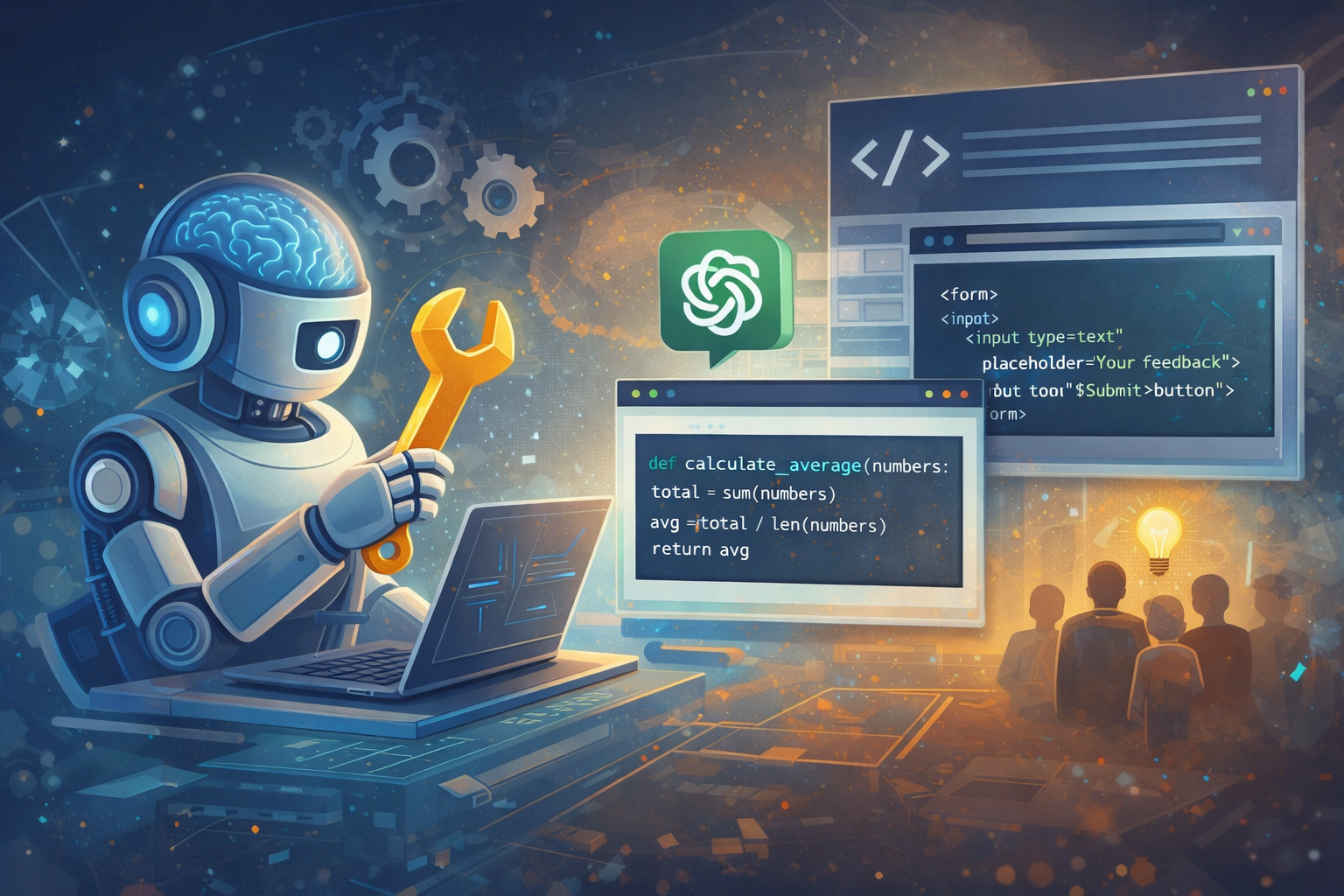
From one answer to reusable capability, this is where leverage starts to compound.
AI as your software programmer
The mental model I find most useful is simple: AI is now a programmable software teammate.
Not perfect, not magical, but fast and surprisingly capable when scoped well.
If you have ever thought:
- "I do this same analysis every week."
- "I keep rewriting this same email pattern."
- "I always reformat this data by hand."
- "I wish this checklist was interactive."
You are looking at tool opportunities, not just question opportunities.
A one-off answer can save you a few minutes.
A tailored tool can save you hours, reduce errors, and make the work easier for everyone else who touches it.
From answer mode to tool mode
Answer mode sounds like this:
"What should I do for this case?"
Tool mode sounds like this:
"Build me a simple app that asks the 5 inputs I care about, applies my rules, and produces a result in the format I need."
Answer mode is helpful, then disappears.
Tool mode compounds.
This is where AI starts to feel less like a chatbot and more like a force multiplier. You can tune the interface, adjust rules, refine outputs, and keep iterating until it matches how you actually work, not how a generic app designer imagined you might work.
That "bespoke to your use" part is the real unlock.
Why bespoke tools matter
Generic software is built for broad markets and average workflows.
Your real workflow is rarely average.
Maybe you make decisions with a specific sequence of checks. Maybe you need outputs in a format that lines up with your team cadence. Maybe your process depends on combining two systems that never integrate cleanly out of the box.
Historically, building custom tools meant one of three painful options:
- Learn to code deeply yourself.
- Hire developers.
- Live with friction.
AI changes that trade space. You can now prototype lightweight custom tools quickly, even if you are not a full-time software engineer, then refine with real usage data.
Not every tool needs to be a startup. Some of the best ones are just "one annoying workflow that no longer annoys us."
The power multiplier effect
There is also a leadership angle here.
If someone asks you for an answer, you can answer once.
If you give them a tool, they can answer for themselves, repeatedly, and often better because the process is explicit.
That is a power multiplier.
You are not just transferring information. You are transferring capability.
This scales across teams fast:
- New team members onboard quicker.
- Decision quality becomes more consistent.
- Tribal knowledge gets embedded in usable workflows.
- People spend less time asking "what do I do now?"
In other words, tools turn expertise into infrastructure.
A personal example: building BioGyro in one week
I learned this lesson directly while dealing with my own stomach issues.
At first, I was doing what many of us do: asking for advice and one-off suggestions. Useful, but it still left me manually stitching context together day after day. So I shifted from answer mode to tool mode and started prompting toward a system instead of isolated responses.
In about a week, I built BioGyro, a personal metabolic feedback tool, without traditional coding in the loop. With AI-driven development, I was able to stand up:
- an iOS app workflow
- a server-side component
- DNS/domain setup
- iterative logic tuned to my exact use case
The key was not writing perfect code from scratch. The key was iterative tool shaping: prompt, test, adjust, repeat.
That made the output more useful than a static answer ever could be. Instead of asking the same question repeatedly, I had a system that could keep learning with me and support better daily decisions.
Quick lesson: Canvas-mode prompt (ChatGPT or Gemini)
If you want to start today, here is a practical prompt that works well for canvas-style rapid prototyping:
Build a single-page web app for [your workflow].

The app should:
- Ask for these inputs: [list inputs]
- Apply this logic: [rules]
- Show outputs in this format: [table, summary, chart]
- Include Save/Load (JSON), Reset, and simple validation
- Be mobile-first and easy to use with one hand

Technical constraints:
- Single file (HTML/CSS/JS)
- No backend
- No external dependencies except optional Tailwind CDN
- Clear, commented JavaScript

Then:
1) Generate the full code
2) Explain where to tweak labels, logic, and styles
3) Suggest 3 improvements for v2
Then iterate with a second prompt like:
Refactor this tool for my exact workflow:
- Rename [x] to [y]
- Add a toggle for [condition]
- Export output as CSV and JSON
- Keep all data local in browser storage
- Make the primary action button larger and pinned at bottom on mobile
The key is to move from vague asks to operational specs. AI performs dramatically better when your prompt reads like a mini product requirement.
Quick lesson: OpenAI Codex starter instructions
When using a coding agent like Codex, clarity beats cleverness.
Give it a short brief with scope, constraints, and success checks:
Goal:
Build a lightweight tool for [workflow] in this repo.

Scope:
- Add/modify only files under: [paths]
- Keep existing design system
- Do not add new dependencies

Behavior:
- Inputs: [list]
- Processing rules: [list]
- Output format: [list]

Quality bar:
- Mobile-friendly
- Accessible labels and keyboard focus
- Basic error handling

Verification:
- Run [build/test command]
- Summarize changed files and key behavior updates
You can also include a "house style" section:
Code style:
- Keep functions small
- No dead code
- Use explicit names over clever abstractions
- Add short comments only where logic is non-obvious
This gives the agent structure to execute well without over-constraining creativity.
What changes for teams
As AI-assisted tool creation becomes normal, the bottleneck shifts.
The hard part is no longer "can we write code quickly?"
The hard part is:
- choosing the right problem
- defining useful behavior
- validating results with real users
- maintaining quality as tools multiply
That means product thinking, systems thinking, and engineering judgment matter more, not less.
Ironically, this is good news for technical leaders. The value moves toward framing, prioritization, integration, and long-term architecture, which are exactly the places where experience pays off.
Build your first small internal tool this week
You do not need a grand platform strategy to begin.
Pick one recurring pain point and build a tiny tool around it.
Keep it focused:
- one workflow
- a handful of inputs
- clear output
- fast feedback
Then use it in the real world, tune it, and share it.
Once people feel the difference between one-off answers and reusable capability, the culture changes quickly.
You stop asking, "Can AI answer this?"
You start asking, "Should we build a tool for this?"
That question is where the leverage lives.